Arduino is an open-source microcontroller development platform that includes both hardware and software. It consists of a programmable circuit board and the Arduino programming language, which is used to develop and upload code to the board for controlling electronic systems.
What Does Arduino Mean?
Arduino is known as an easy-to-use, low-cost electronics prototyping board. It enables users to build projects ranging from simple DIY applications to complex scientific or engineering designs. Typical components found on Arduino boards include: USB or DC power jack, digital/analog pins, LED indicators, reset button, TX/RX communication LEDs, voltage regulator, and a main microcontroller chip.
What Are the Main Arduino Board Types?
Arduino boards come in different sizes, architectures, and feature sets to support various project needs. Common Arduino models include:
Arduino Uno: The most popular Arduino board. It uses the ATmega328P microcontroller, operates at 5V logic level, and accepts 7–10V input power.
Arduino Nano: A compact and smaller alternative to Uno, ideal for space-constrained and miniaturized projects.
Arduino Pro Mini: Includes 2 additional analog inputs compared to Uno. It ships with unsoldered pins and cannot be programmed via USB directly—an external USB-TTL adapter is required.
Arduino Mega: Designed for large-scale projects requiring more I/O. It has a higher number of digital/analog pins and communication interfaces.
Arduino LilyPad: Built for wearable electronics. It has a sewable design and circular pads instead of standard pin headers.
Arduino Esplora: A controller-like board for beginners, integrating onboard sensors and inputs for learning without external wiring.
Arduino Due: Uses a 32-bit ARM Cortex-M3 processor, offering higher speed and more advanced data processing than 8-bit boards.
What Is Arduino Used For?
Arduino enables control of motors, sensors, displays, IoT modules, automation systems, audio circuits, lighting, robotics, and educational electronics. It is widely used where real-time control and analog/digital interaction are required.
How to Use Arduino
Install the official Arduino IDE (software).
Connect the Arduino board to a computer via USB (or external adapter depending on model).
Select the correct board type and port from the Tools menu.
Verify the code using Check/Verify.
Upload the program to the board using Upload.
In Arduino programming:
void setup() runs once when the board powers on.
void loop() runs continuously until power is removed.
Where Is Arduino Used in Daily Life?
Arduino is used in:
DIY smart home systems
Wearable electronics
Educational projects in schools
Architecture and interactive installations
Robotics and embedded control prototypes
Is Arduino Used in Industry?
Yes. Arduino is used for automation, sensor monitoring, energy-efficiency control, robotics, medical device control prototypes, and smart agriculture tracking systems, though it is more common in low-to-mid-scale embedded applications and rapid prototyping than in heavy industrial PLC replacement scenarios.
What Can You Build With Arduino?
Example projects include:
Pedometers / step counters
Music players
Automatic guitar chord trainers
Smart flower pots
Tetris games
Traffic light simulators
Custom electronics inventions
Summary
Arduino is a versatile, open-source embedded control platform that allows both beginners and professionals to prototype electronic and automation systems efficiently using analog and digital inputs, modular pin interfaces, and microcontroller-based logic control.
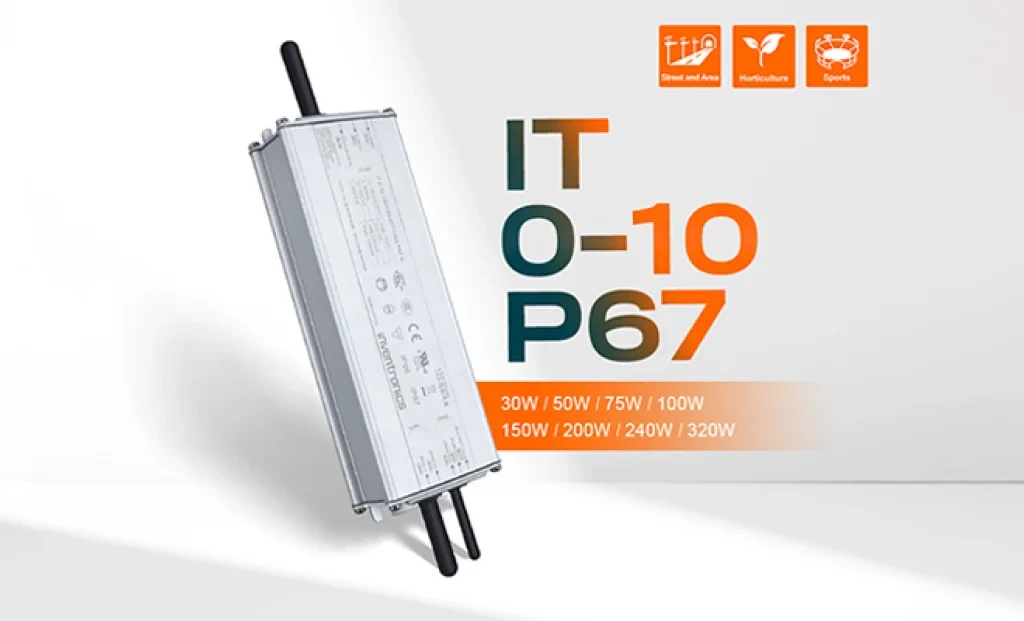
Inventronics has announced two new additions to its outdoor LED driver portfolio: the 150W IT 0-10 150/100-277 P67 and the 240W IT 0-10 240/100-277 P67 programmable drivers. With this new series, the company aims to establish a new benchmark in street and area lighting in terms of performance, efficiency, and durability.
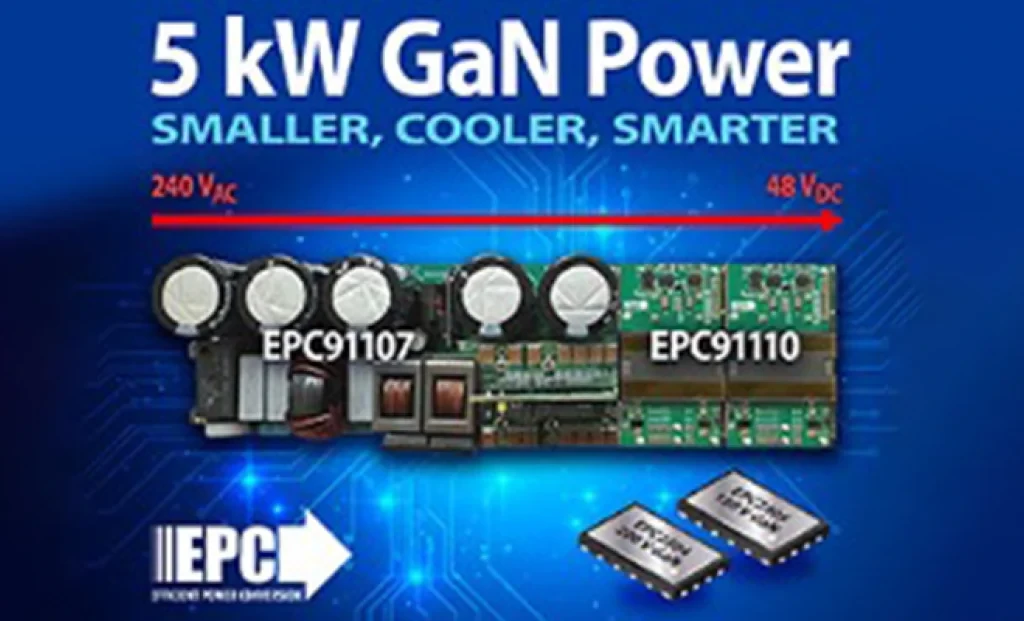
5 kW GaN-Based AC/DC Reference Design from EPC for AI Servers and Data Centers EL SEGUNDO, California — October 2025 — Efficient Power Conversion Corporation (EPC), the world leader in enhancement-mode gallium nitride (eGaN®) power devices, has announced a high-efficiency, high-power-density 5 kW AC-to-48 V DC GaN reference design developed to meet the demands of AI servers and next-generation data center power architectures.
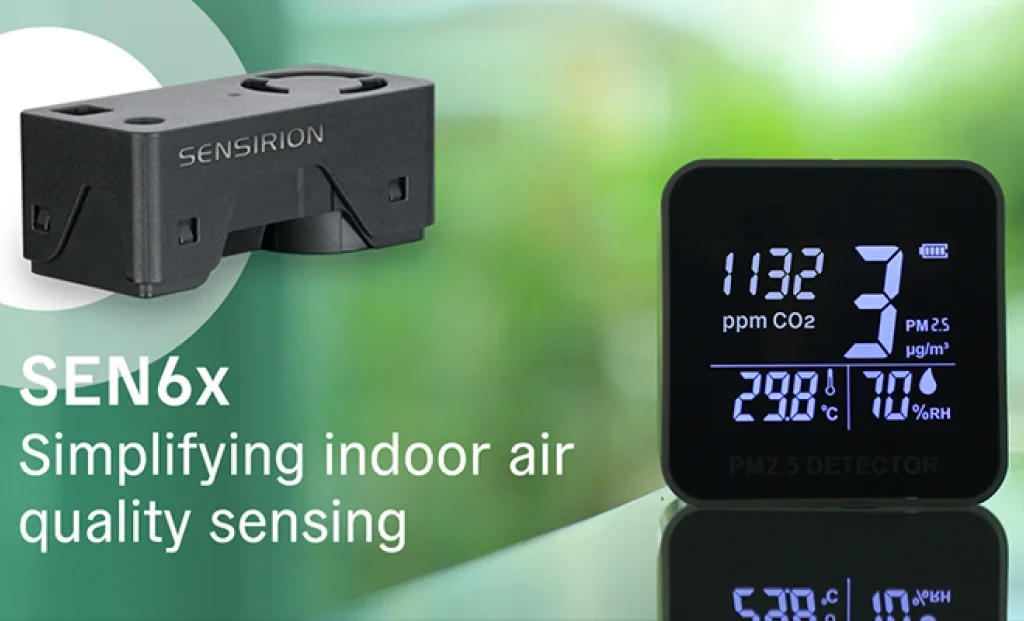
Sensirion has officially announced its next-generation SEN65 and SEN63C sensor platforms, designed to make indoor air quality measurement easier and more accurate than ever before. In addition, the SEK-SEN63C evaluation kit is now available for purchase, enabling developers and system integrators to quickly test and evaluate the new sensor family. Initial orders can be placed immediately.
The long-awaited beta release of Vitis AI 5.1 from AMD has been announced, marking the beginning of a major architectural shift that significantly advances edge AI inference capabilities.
With 44 years of experience, Empa Elektronik, a trusted and pioneering company in the electronic components industry, is set to make transformative investments in the technology ecosystem through its collaboration with Fark Labs, a global innovation and transformation center.
In a comparative study of Auto-ML platforms designed to simplify edge AI deployment, NanoEdge AI Studio and Edge Impulse emerged as leading solutions [1]. The comparison was conducted using multi-sensor biomedical data applied to predictive maintenance use cases.
In shopping malls, galleries, and large-scale commercial spaces, the stability and intelligence of lighting systems are among the most critical factors directly influencing user experience.
 EN − TL
 Türkçe